

HTML, CSS, Shortcodes, and JS scripts can all be embedded in the HTML Widget.
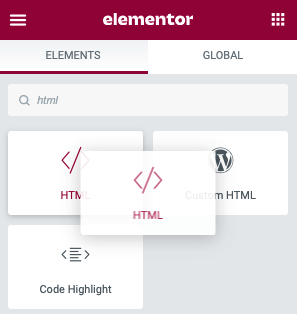
Choose the Elementor HTML widget with the /> icon from the widget collection. Drag it to the blue line on your page editor to the desired spot.
Add Your Code in Elementor HTML Widget
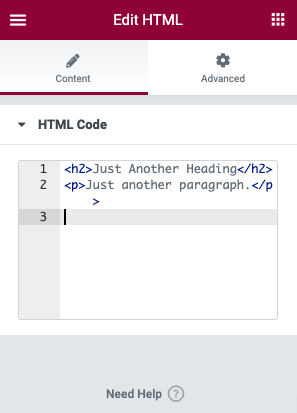
In the text section, type your HTML, Script, or Shortcodes. If there are any issues in your code, Elementor will try to warn you. Larger quantities of code can be viewed by resizing the panel window.
How to use HTML widget of ELementor (Video Tutorial of Elementor HTML Widget)

